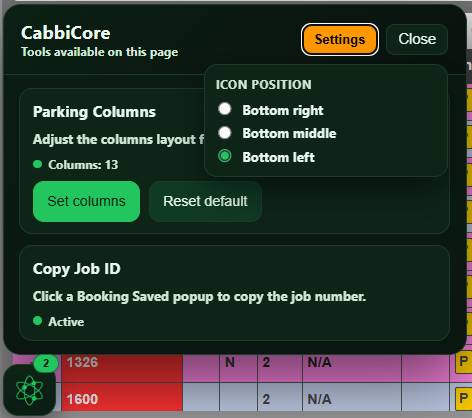

5.3 to 6.3 > Feature Access Requests, Customer Tools & Bulk Updates
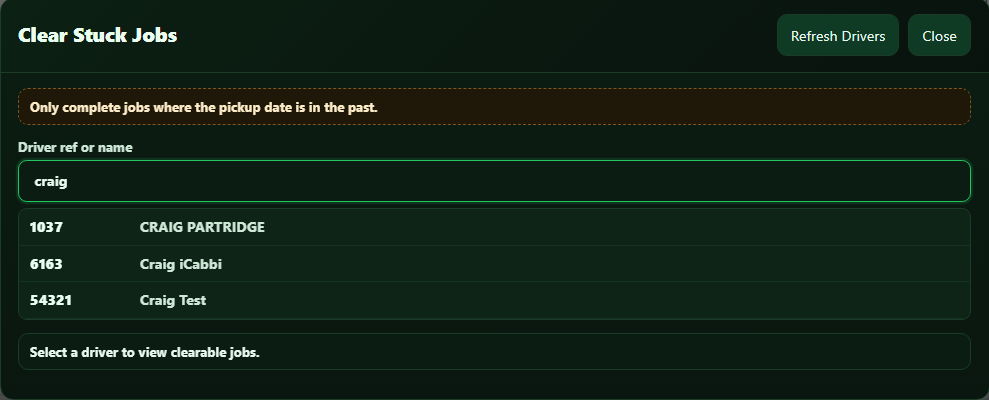
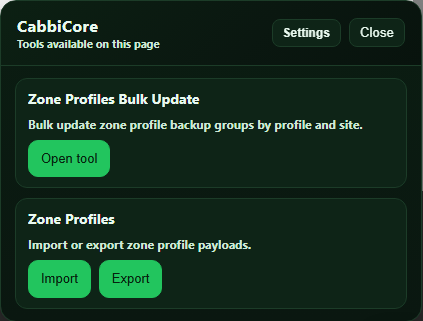
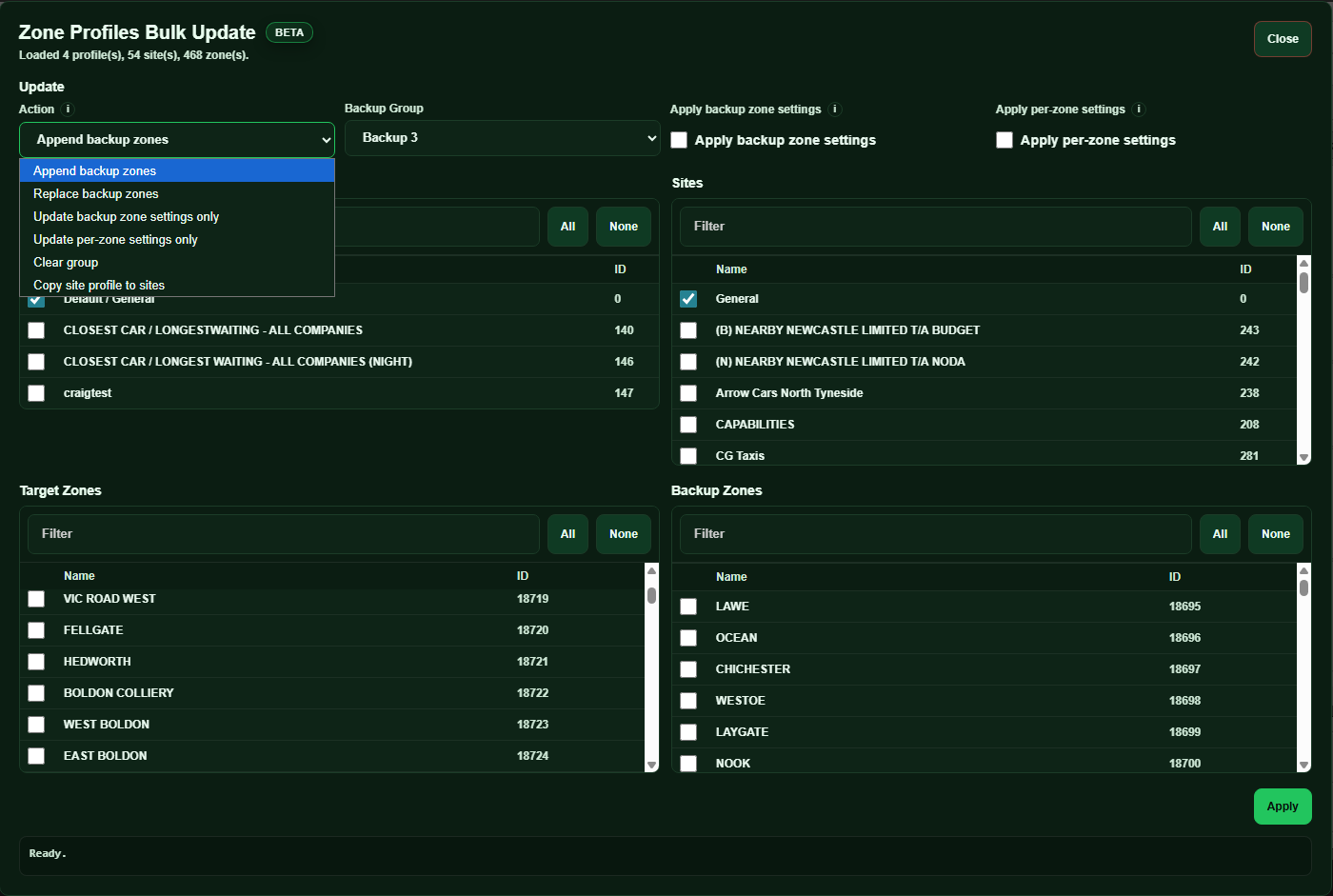
This release window brings together updates focused on easier feature access, safer customer management, and faster bulk update tools.
Several new tools have been added, and selected existing tools have been improved across support, migration, compliance, and day-to-day operational tasks.
Some tools in this release may not be enabled by default for every fleet.
Previously, if you wanted access to a feature that was not enabled for your fleet, you had to contact support. This release introduces a new feature request option directly inside the plugin, making it much easier to ask for access.
🧩 Feature Access Requests
A new Features area has been added to the plugin popup. This allows supported users to view features for their fleet and request access to features that are not currently active.
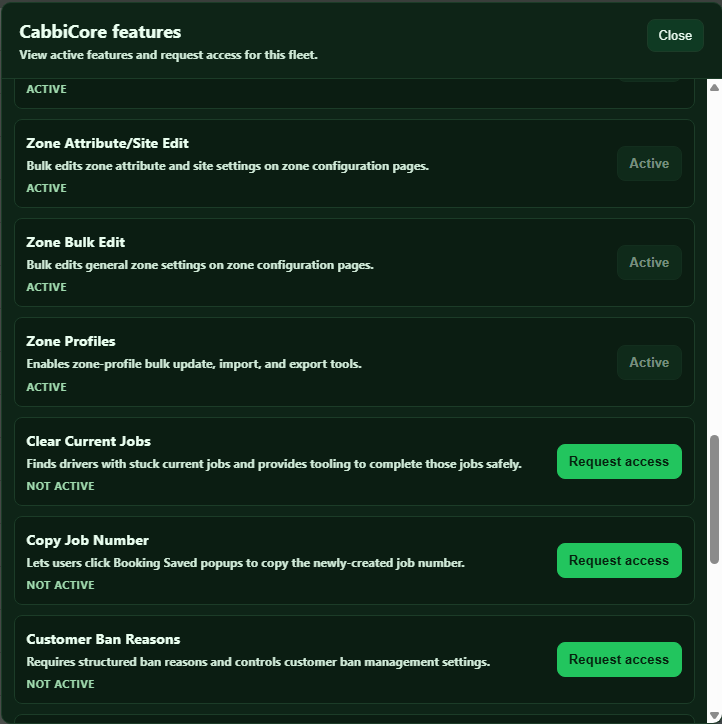
Feature access requests are only visible to iCabbi users who have access to the iCabbi Admin area.
This now supports:
Viewing active features
Seeing features that may be available for the current page or fleet
Requesting access directly from the plugin
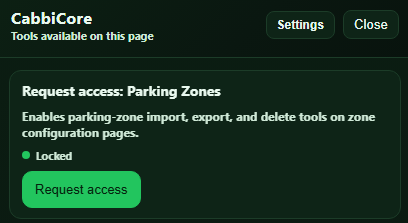
Once a request has been submitted, we will review it and aim to deal with it as fast as possible.
🧾 Anonymise Customers
A new Anonymise Customers tool has been added for supported fleets. This tool helps authorised users process customer anonymisation from a CSV, with a dry run available before making live changes.
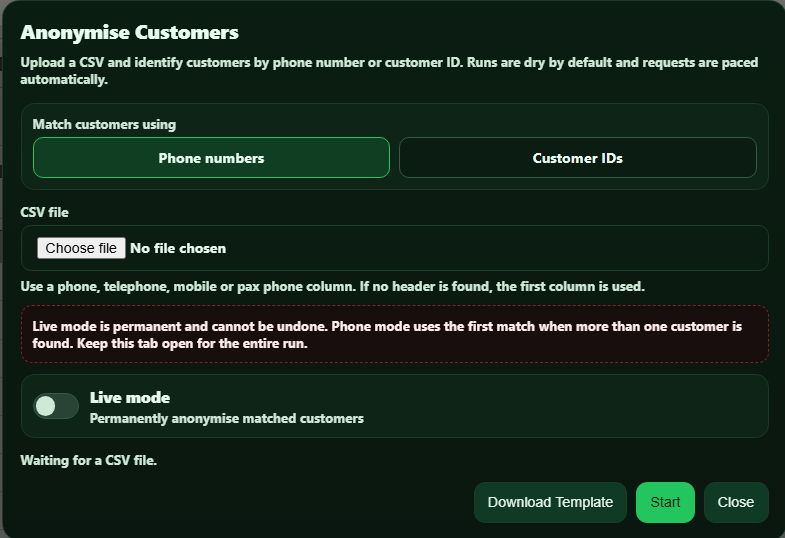
This supports:
Uploading customers by phone number or customer ID
Downloading an anonymisation template
Running a dry run before making changes
Processing live anonymisation with confirmation
Downloading a result log after processing
Live anonymisation is permanent and cannot be undone, so the tool includes confirmation steps before any live changes are made.
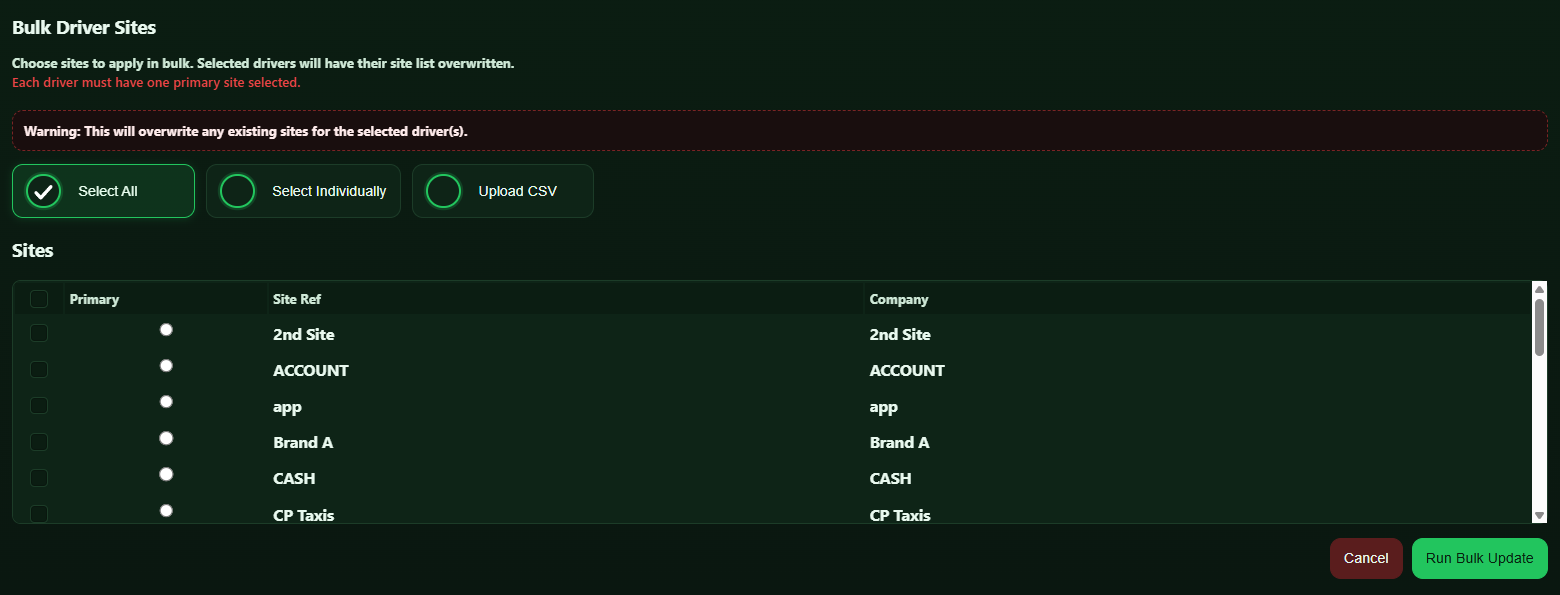
⚙️ Bulk Attribute Setting
A new Bulk Attribute Setting tool has been added for driver and vehicle records. This helps authorised users update attributes across multiple drivers or vehicles without opening each record manually.
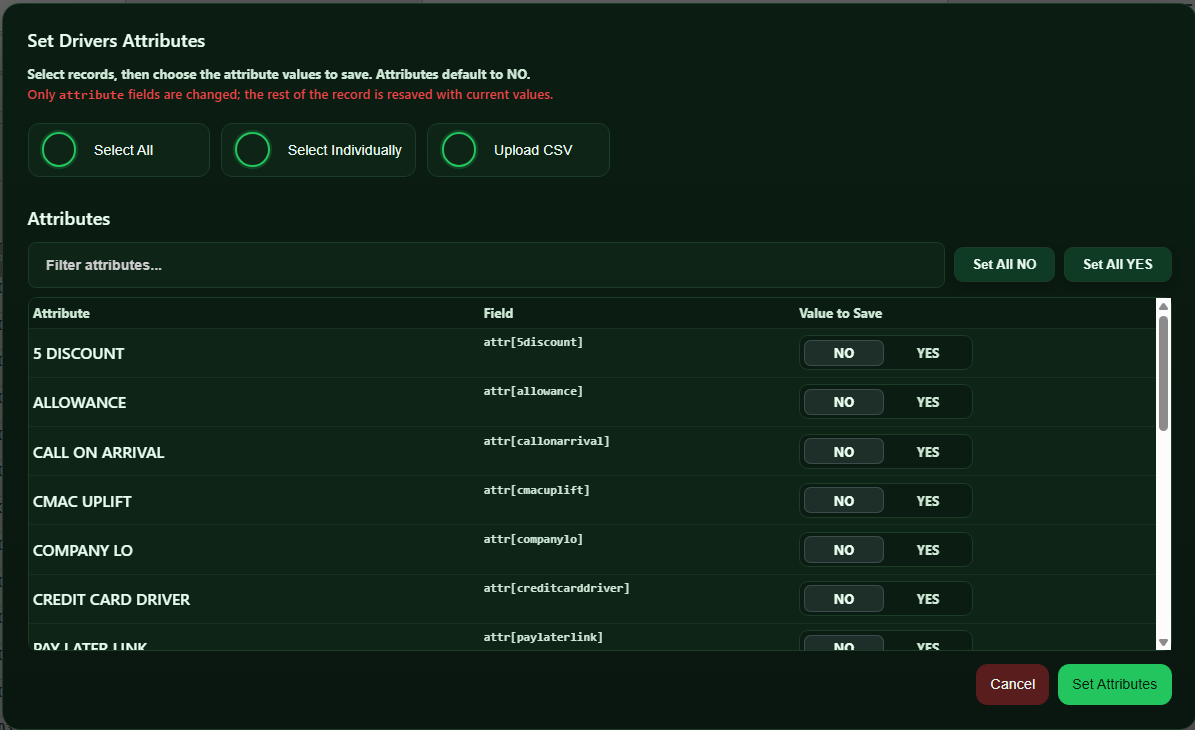
This supports:
Setting driver attributes in bulk
Setting vehicle attributes in bulk
Selecting all records or selected records only
Uploading a CSV of driver or vehicle records
Downloading a CSV template
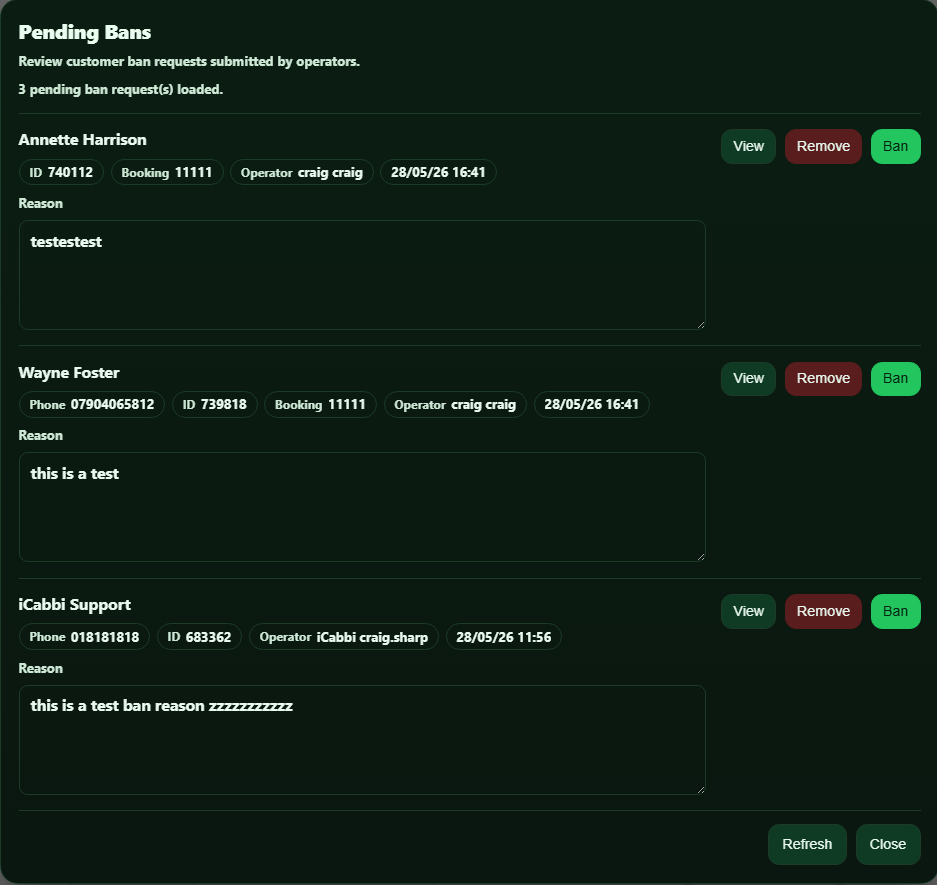
🚫 Customer Ban Updates
Customer Ban tools have also been improved during this release window.
This now supports:
Submitting customer ban requests from operator pages
Using structured ban reasons
Adding optional or required booking IDs, amounts, driver refs, and crime references
These updates are designed to make customer ban and unban workflows clearer, safer, and easier to audit.
❤️ Thank You
CabbiCore is now supporting over 330 users, and these updates continue our work to make it more useful, reliable, and easier to manage across different fleet setups.
As always, if you notice anything that does not look right, please contact us through the support form so we can investigate.